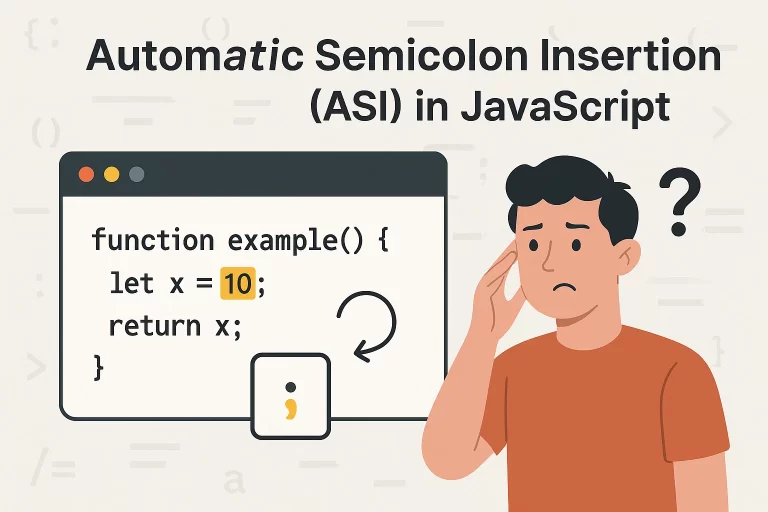
What is Automatic Semicolon Insertion?
Automatic Semicolon Insertion (ASI) is a JavaScript feature where the compiler automatically inserts semicolons at the end of certain statements if they are missing.
Example:
let x;
console.log("Hi")
console.log("Test");
Even though the first line doesn’t have a semicolon, JavaScript inserts one automatically.
text
👉 Key Point:
This means semicolons are optional in JavaScript, but they are still recommended for clarity and to avoid bugs.
When Does JavaScript Insert Semicolons?
JavaScript inserts semicolons only in specific situations, usually when a line break is encountered.
Automatic Semicolon Insertion: Behavior Table
| Case | Code Example | ASI Behavior | Output |
|---|---|---|---|
| Normal Line Break | console.log("Hello")console.log("World"); |
ASI inserts ; after first line |
✅ Works fine |
| After Operators | let a = 4 *5 |
ASI does not insert ; after * |
✅ Evaluates as 20 |
| Return with New Line | return{ a: 5 } |
ASI inserts ; after return |
❌ Returns undefined |
| Return Same Line | return { a: 5 } |
ASI does not insert ; |
✅ Returns { a: 5 } |
Example: ASI Causing Bug
function test() {
return
{
a: 5
}
}
console.log(test()); // Output: undefined
JavaScript inserts a semicolon after return, so the function returns undefined.
text
✅ Fix:
function test() {
return { a: 5 };
}
Best Practices for Developers
- Always use semicolons to avoid unexpected bugs.
- When writing
returnstatements, place the returned value on the same line. - Use linters (like ESLint) to catch ASI issues automatically.
- Follow standard coding conventions: keep curly braces
{}on the same line for conditions, loops, and return statements.
Common Interview Questions on Automatic Semicolon Insertion
-
What is Automatic Semicolon Insertion (ASI) in JavaScript?
Automatic Semicolon Insertion (ASI) is a JavaScript feature where the compiler automatically inserts semicolons at line breaks if they are missing. -
Is it mandatory to use semicolons in JavaScript?
No, semicolons are optional in JavaScript, but using them is recommended to avoid bugs. -
Why does a
returnstatement sometimes cause unexpectedundefined?
If you writereturnfollowed by a line break, ASI inserts a semicolon immediately, making the function returnundefined. -
Does strict mode (
"use strict") change ASI behavior?
No, strict mode does not affect ASI. It only enforces safer coding practices. -
How can developers avoid ASI issues?
Always end statements with semicolons, place returned values on the same line asreturn, and use tools like ESLint to enforce consistency. -
Should you always use semicolons in JavaScript?
Yes, it is a good practice, even though JavaScript inserts them automatically. -
Why does this function return
undefined?function test() { return { a: 5 } }Because ASI inserts a semicolon after
return.
text
FAQs on Automatic Semicolon Insertion in JavaScript
Q1. What is Automatic Semicolon Insertion (ASI) in JavaScript?
Automatic Semicolon Insertion (ASI) is a JavaScript feature where the compiler automatically inserts semicolons at line breaks if they are missing.
Q2. Is it mandatory to use semicolons in JavaScript?
No, semicolons are optional in JavaScript, but using them is recommended to avoid bugs.
Q3. Why does a return statement sometimes cause unexpected undefined?
If you write return followed by a line break, ASI inserts a semicolon immediately, making the function return undefined.
Q4. Does strict mode (“use strict”) change ASI behavior?
No, strict mode does not affect ASI. It only enforces safer coding practices.
Q5. How can developers avoid ASI issues?
Always end statements with semicolons, place returned values on the same line as return, and use tools like ESLint to enforce consistency.
Final Thoughts
While Automatic Semicolon Insertion can make JavaScript more forgiving, understanding its behavior is crucial for writing reliable code:
- ASI → Automatically inserts semicolons in certain contexts.
- Best Practice → Explicitly use semicolons to avoid unexpected behavior.
Understanding ASI is not only essential for writing clean code but also a valuable topic for JavaScript interviews.